AutoDJ & playlists
Build rotations, choose the active playlist, queue tracks and keep the station running around the clock.
OA Cast Radio puts AutoDJ, live presenters, scheduling, media, jingles, relay sources, metadata and audience reporting into one professional control panel — backed by a managed Icecast and Liquidsoap broadcast stack.
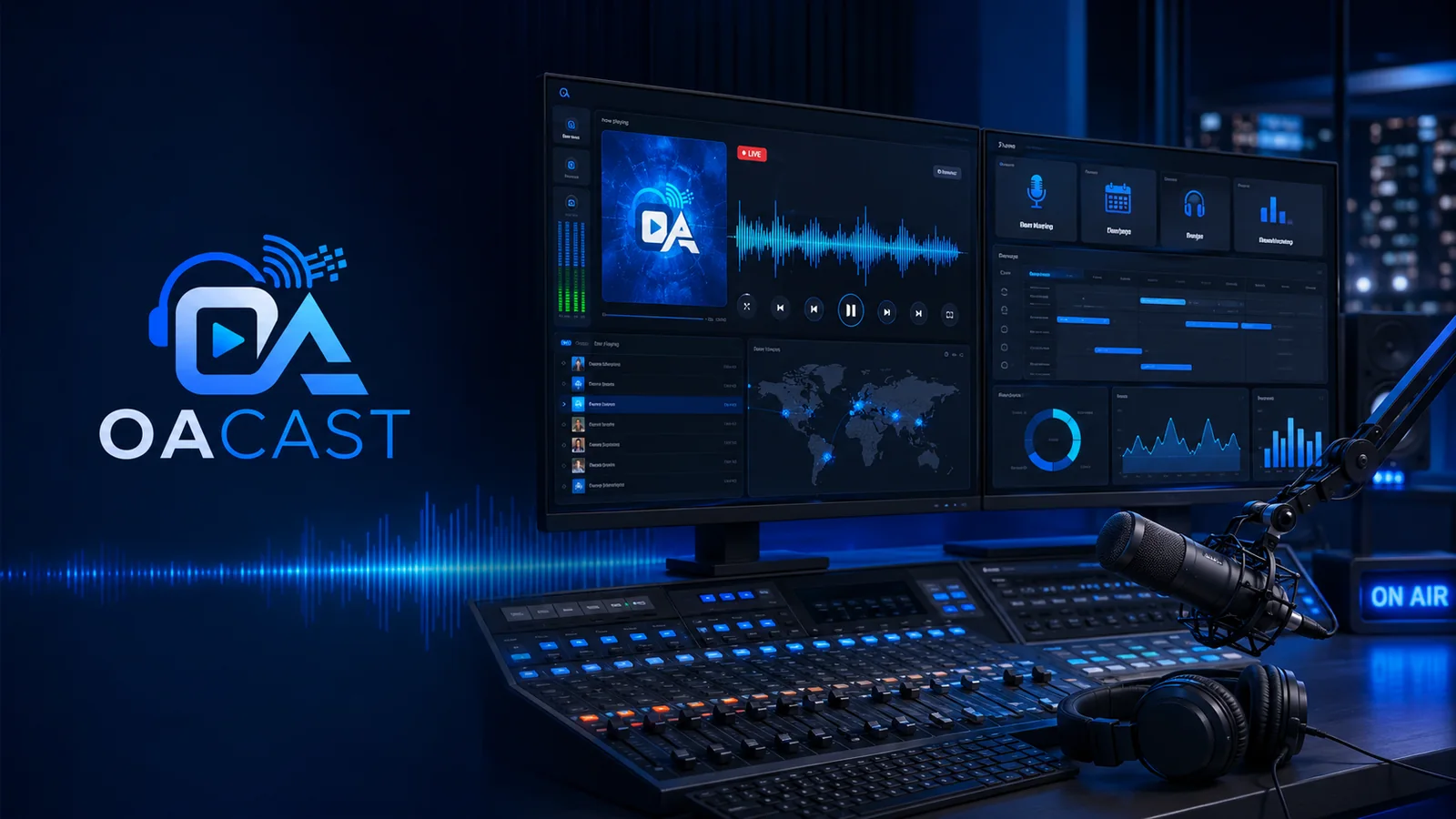
The page has been redesigned around the jobs a station actually performs: control playout, manage media, schedule programming, bring presenters live and understand the audience.

Playlist building, source control, media and broadcast status without a maze of screens.
Build rotations, choose the active playlist, queue tracks and keep the station running around the clock.
Schedule playlists, folders, relays and full shows with recurring and one-off broadcast rules.
Create DJ accounts, control permissions and give presenters safe connection details for live broadcasting.
See now playing, listener activity, history, peaks and reports from the same control environment.
Instead of filling the page with dozens of tiny cards, the platform is grouped into six clear areas that cover the full station operation.
Start, stop, restart, skip, reload playlists, work with a dynamic queue and trigger station imaging without rebuilding the station.
Build one-off, weekly and multi-day programme rules with exact-time events, folders, playlists, relays and jingle logic.
Upload multiple files, organise folders, search, preview, remove media and build playlists from the same content library.
Manage presenter credentials and external relay sources for syndicated shows, partners and special-event programming.
Icecast, Liquidsoap and FFmpeg are managed as one broadcast stack with health visibility, safe service controls and emergency fallback.
Monitor listeners, peaks, playback history, metadata and historical trends with downloadable reporting foundations.
The playout chain is designed so urgent and live sources can take priority while AutoDJ and fallback audio keep the stream protected.
Presenter takes control.
Imaging and cart audio.
Urgent selected tracks.
Shows, relays and clocks.
Default 24/7 rotation.
Emergency continuity.
Switch through core parts of the panel without dumping every screenshot onto the page at once.
Create playlists, generate from folders, bulk-add selected tracks and set the active AutoDJ rotation from one focused screen.
The deeper capability is still there. It is simply organised into understandable operational groups rather than presented as a wall of features.
From music rotation to live presenters and syndicated programming, the content workflow stays inside the same managed platform.
Station owners get the visibility they need without being exposed to raw server complexity.
Each plan is built around one managed station environment. Upgrade for more storage, memory and deeper operational capability.
For independent broadcasters who want a managed route into professional AutoDJ streaming.
For established stations that need deeper programming, media and listener-management workflows.
For commercial broadcasters needing the largest included resource profile and reporting capability.
No. The current radio plans are positioned around one station per managed server environment rather than selling multiple shared station slots.
Yes. The platform includes live DJ account workflows with individual credentials, connection details and live-source priority above AutoDJ.
Yes. The scheduler is designed for folders, playlists, relay URLs and full-show audio with recurring and one-time programming rules.
AutoDJ continues the station automatically, with the broadcast priority chain and emergency fallback designed to protect continuous output.
Tell us how you plan to programme the station, how large your media library is and whether you need live presenters, relays or custom integrations.